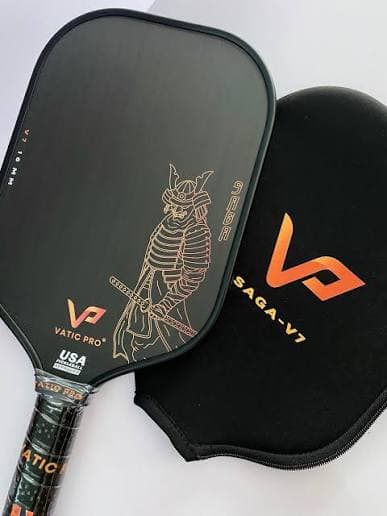

Packing your next court
Packing your next court
Learn more
A short tour for new players — bag your paddles, share a passport partners can find, and explore the catalog without guessing what’s in anyone’s bag.
Follow these once — customize your passport, pack paddles, and stamp courts.
Step 01
Sign up free, pick a username, add a photo and city. Your public passport is how partners find what’s in your bag.
Step 02
Search the catalog and add paddles you own, demo, or retired. Rate power, control, spin, feel, and touch so you remember what plays.
Step 03
Open a court and tap “Check in court.” Public check-ins become ink stamps on your passport Courts page — drag, rotate, and resize them to layout your travel page.
Step 04
Choose a theme color, cover crest, and stamp ink. Add a cover photo and bio so your passport feels like you — then save and share. You can do this last.
Step 05
Can’t find a model? Submit a request from Add paddle or the catalog. Admins review it — you’ll get a notification and email when there’s a decision.
Step 06
Publish blogs, guides, paddle reviews, or vlogs. For video, set type to Vlog and paste a YouTube or Vimeo URL — it embeds on the post. Link paddles from the catalog so others can compare and bag them.
Step 07
Browse passports, hover cards, and gear bags. See who’s packing what before open play — and share yours with Reclub & DUPR links.
Ready to pack smarter?
Your gear and passport take a minute to start — then the community can find what you play.